Windows 10 / 11 · Free · MIT licensed

A different wallpaper on every monitor.

Live Paper detects your real monitor layout, composes one wallpaper per display — and loops video behind your desktop icons. Entirely offline. No account, no telemetry.

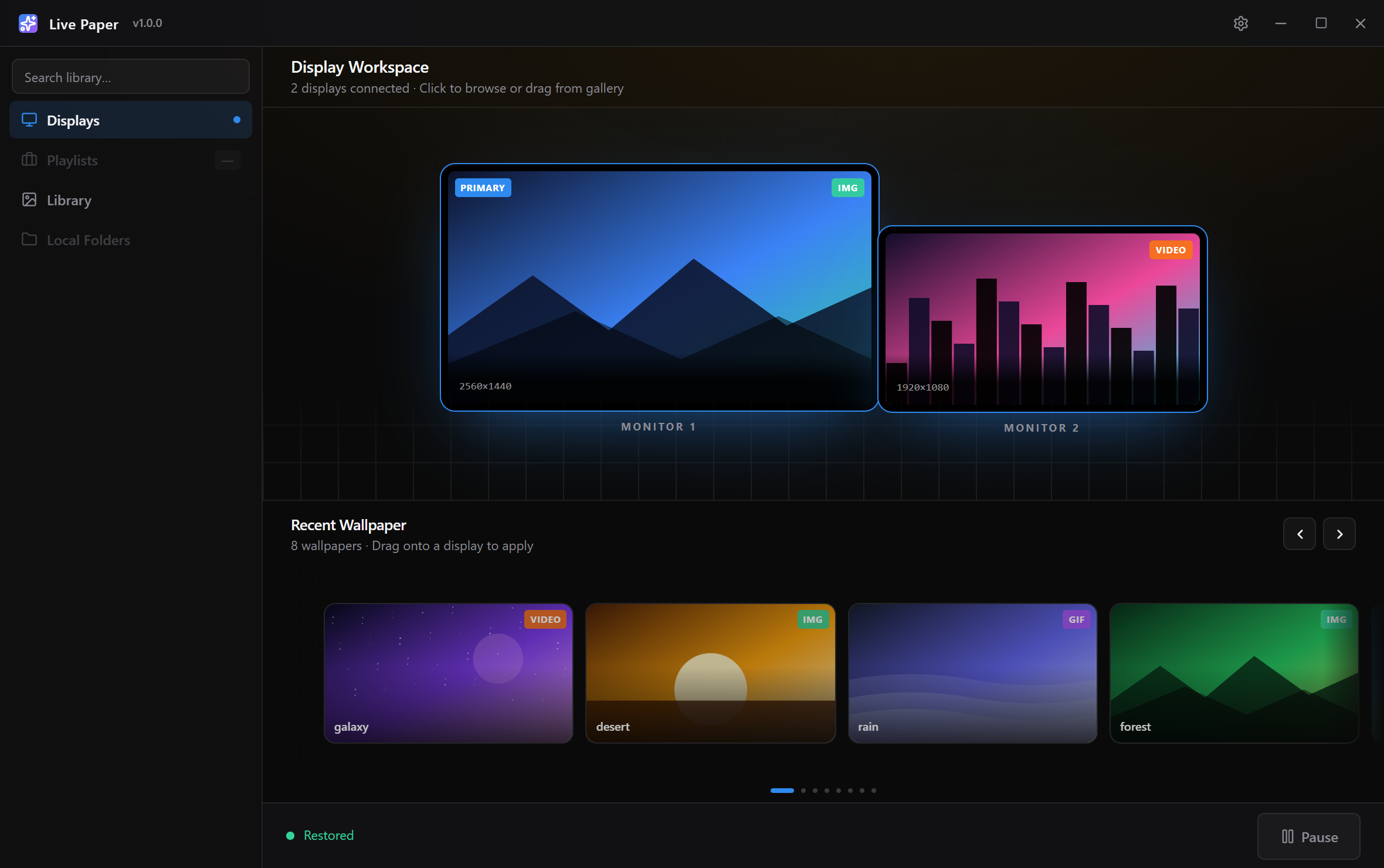
Live Paper Display Workspace showing two monitors with a mountain image and a neon-city video wallpaper
No account No telemetry No network calls Installer bundles ffmpeg & mpv Tray app + CLI

Everything your desktop needs. Nothing it doesn't.

A small native tray app built with Go and Wails, with a fast Astro interface and a CLI for scripts.

🖥️

True multi-monitor

Reads the real screen positions and resolutions from Windows — no manual config, any arrangement.

🎞️

Live video wallpapers

Loop mp4 mkv avi mov webm m4v flv gif behind your icons, played by hardware-decoding mpv.

🧩

Mix and match

A still photo on monitor 1, a looping video on monitor 2. Each display is independent.

📸

EXIF-aware

Photos are rotated to the correct orientation and fill-cropped, keeping their aspect ratio.

⌨️

Global hotkeys

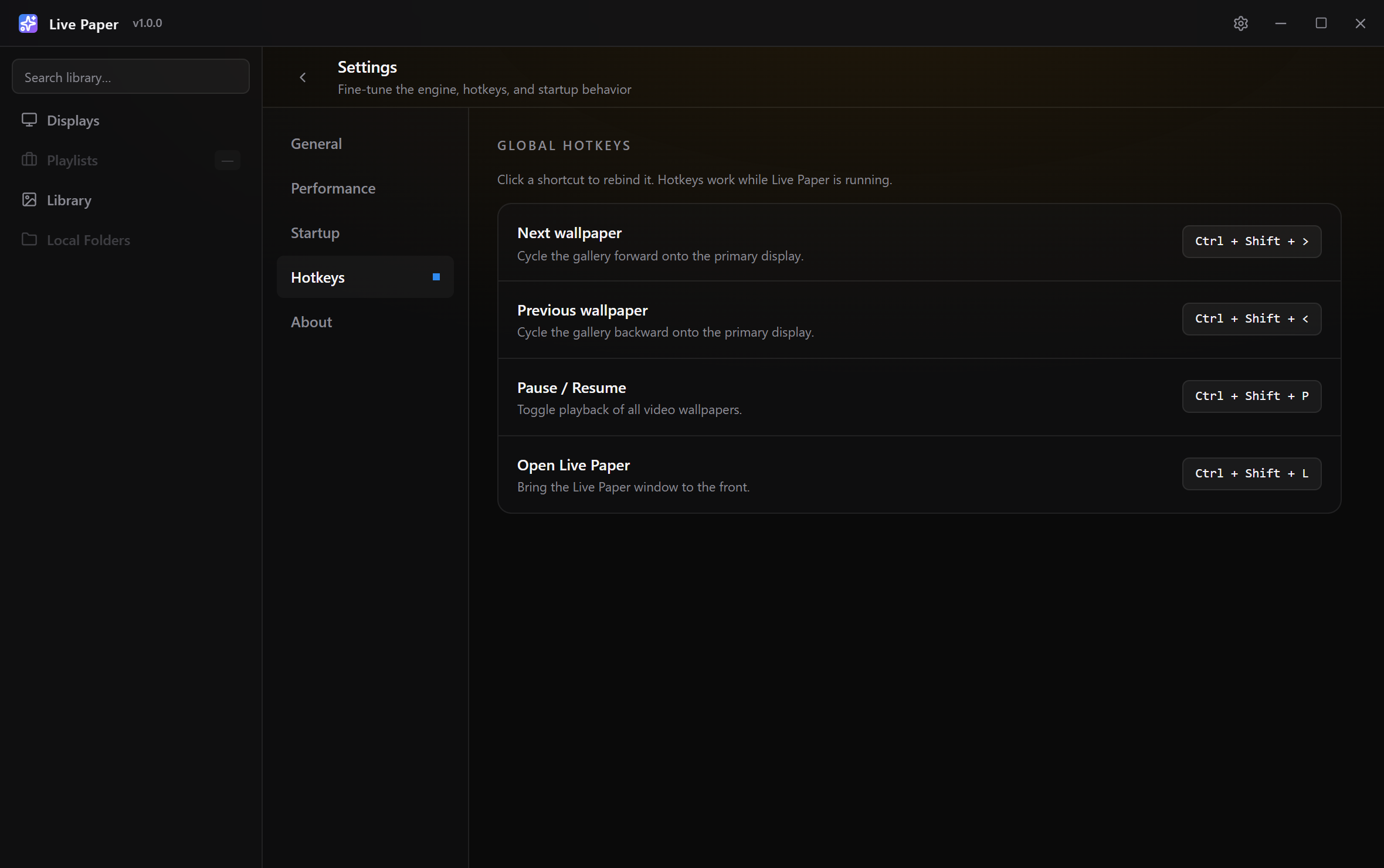
Next, previous, play/pause and open the workspace from anywhere, fully rebindable.

🔋

Power aware

Pause live wallpapers on battery saver or when a fullscreen app or game covers the desktop.

🗂️

Local library

Recently applied wallpapers are kept on your machine — drag one onto any display.

🔒

Truly offline

No sign-in, no online gallery, no in-app downloads. The app and installer make no network calls.

See it in action

A dark, focused workspace that sits in your tray until you need it.

Display Workspace

Your monitors, drawn to scale. Click a display to browse for a file, or drag a recent wallpaper straight onto it.

  • Live preview with resolution and type badges
  • Video is encoded to the monitor's exact size, with progress
  • Apply, discard or reset in one click
Display Workspace with recent wallpapers carousel

Local Library

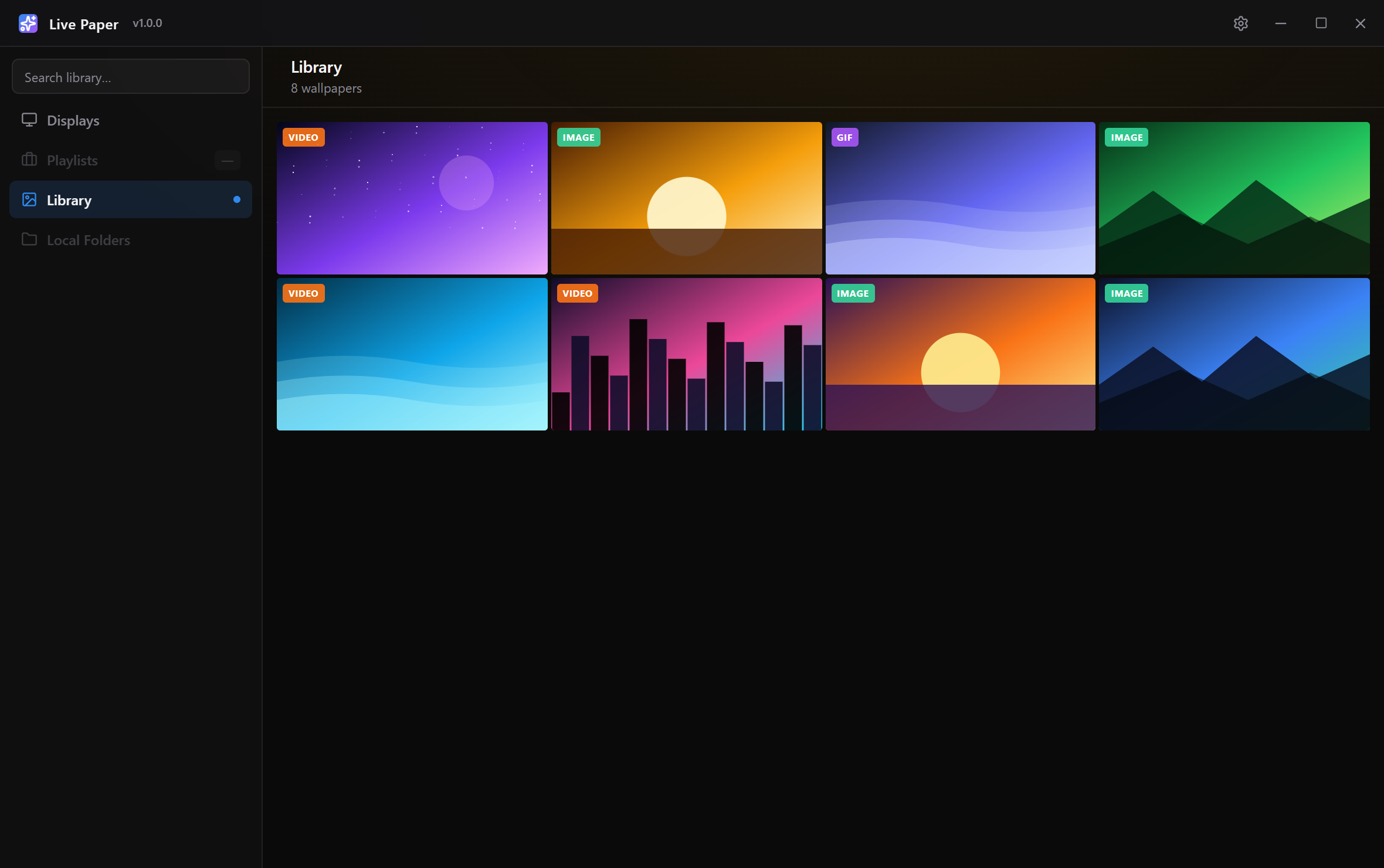
Every wallpaper you've applied, one click away. Images, GIFs and videos live side by side, stored only on this PC.

Library grid of image, GIF and video wallpapers

Tuned for your hardware

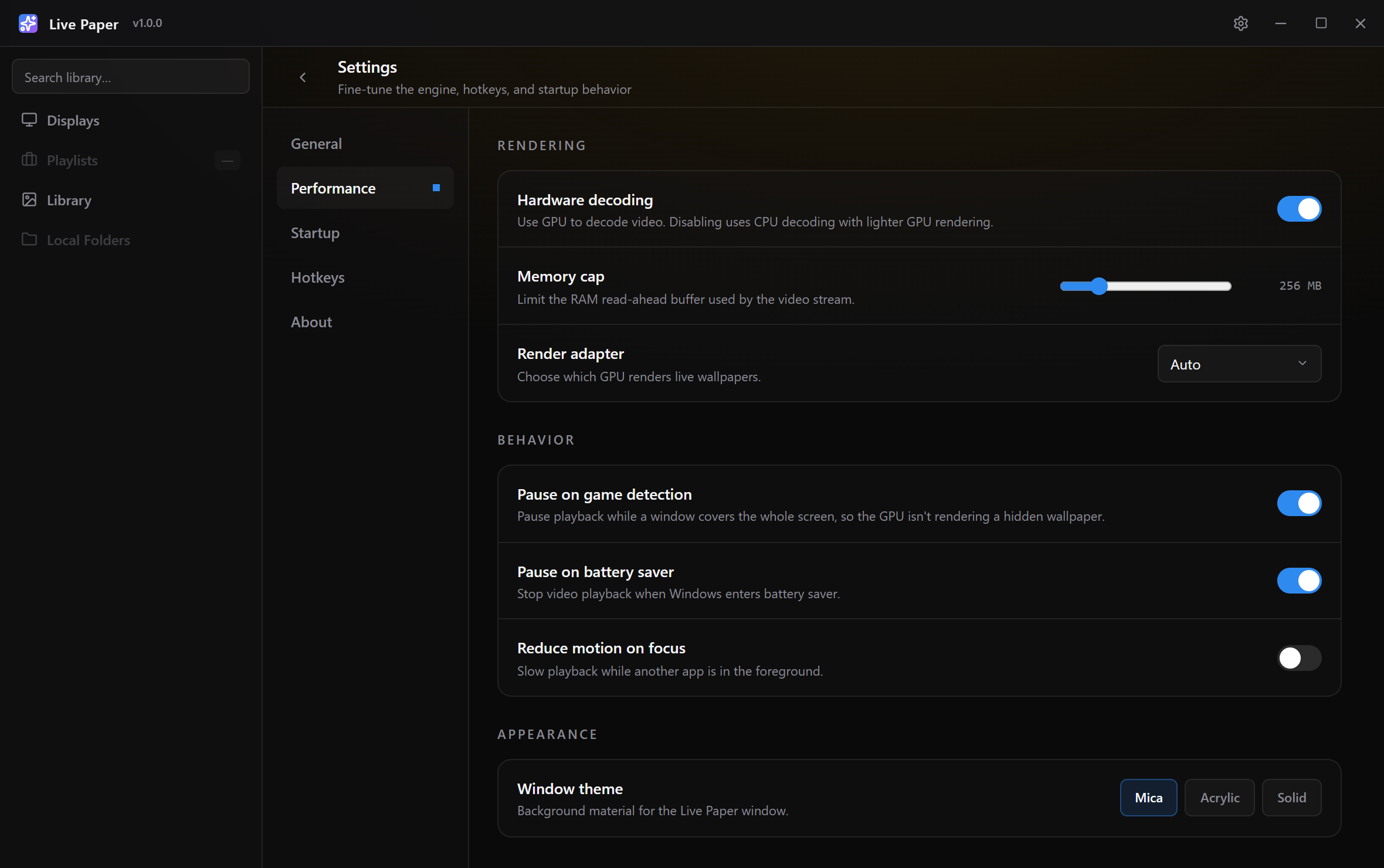
Hardware decoding, a memory cap, a GPU adapter picker, pause-on-game, pause-on-battery and Mica / Acrylic window themes.

Performance settings
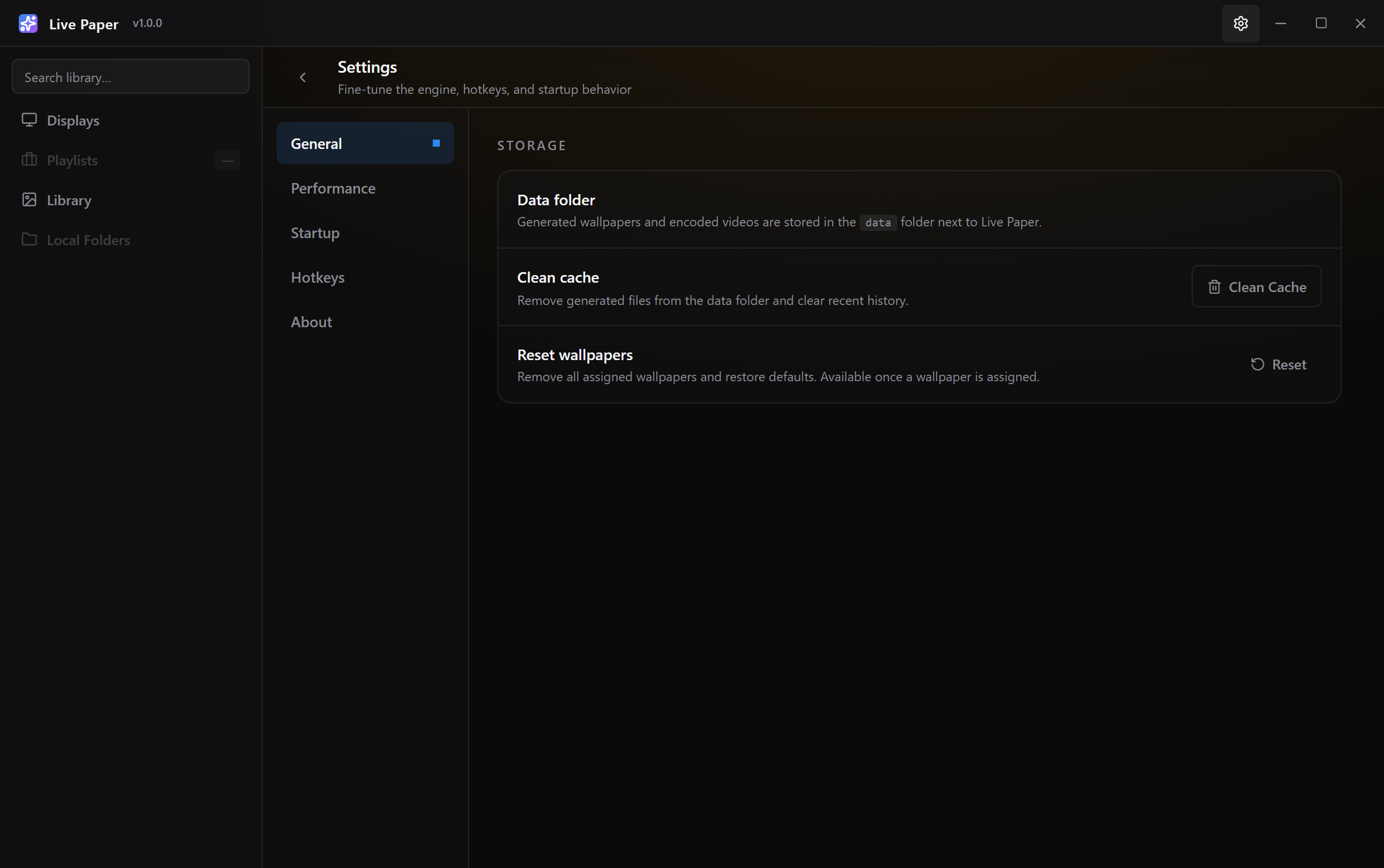
General settings
Hotkey settings

Prefer the command line?

Every wallpaper action works from a script. Omit -m to assign in Windows' monitor order, or target displays by number.

# one image on the primary monitor
livepaper "C:\Wallpapers\mountain.jpg"

# one image per monitor
livepaper "left.jpg" "right.png"

# specific monitors by number
livepaper -m 2 -m 3 "portrait.jpg" "stats.png"
# live video wallpaper
livepaper "C:\Wallpapers\rain.mp4"

# image on 1, video on 2
livepaper -m 1 -m 2 "left.jpg" "loop.mp4"

How it works

No magic — just the Win32 APIs, used carefully.

  1. Detect every monitor's position and resolution with EnumDisplayMonitors.
  2. Compose a canvas the size of the whole virtual desktop.
  3. Fit each image: load, apply EXIF rotation, fill-crop to the monitor and draw it in place.
  4. Apply the canvas as a Span wallpaper through SystemParametersInfoW.
  5. Play videos: ffmpeg encodes each one to the monitor's exact size once, then mpv loops it in a window embedded behind the desktop icon layer.

Install in a minute

Download livepaper-setup-<version>.exe from Releases. It installs livepaper.exe plus bundled ffmpeg, ffprobe and mpv into %LOCALAPPDATA%\Programs\livepaper — and downloads nothing.

# or build the CLI from source
go install github.com/dvgamerr/go-livepaper/cmd/livepaper@latest
# build the full app
git clone https://github.com/dvgamerr-app/livepaper-app.git
cd livepaper-app
bun install && bun run build
go build -tags production -o bin/livepaper.exe ./cmd/livepaper

Make your desktop yours.

Free, open source and private by design.